

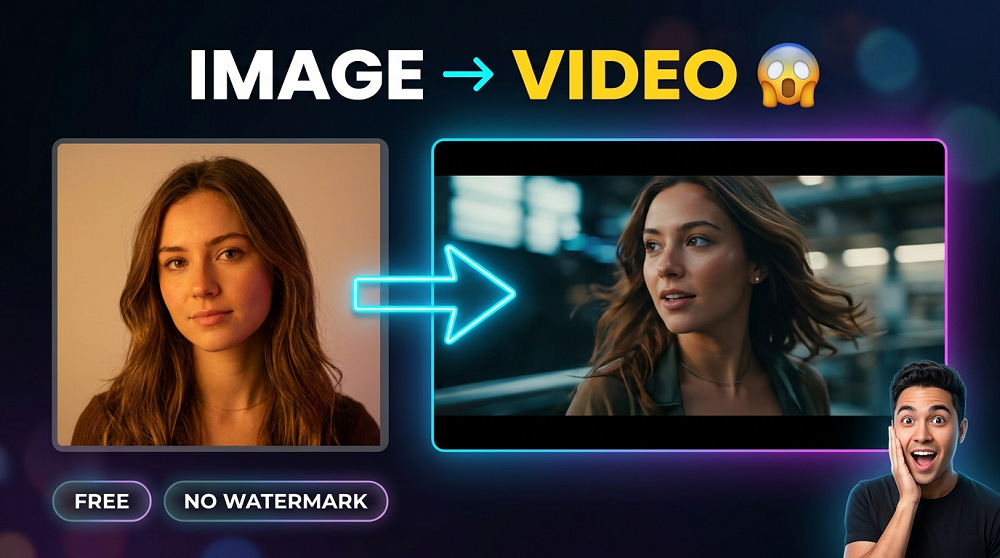
AI video generation has completely changed the way content creators, marketers, and even regular people produce visual content. What used to take expensive software and professional editors can now be done in just a few clicks using FREE AI tools. The problem? Most of these tools either require you to SIGN UP or slap a watermark on your video. That is frustrating, we know.
In this guide, we will walk you through exactly how to make AI videos from images for free, without any watermark and without creating an account. Whether you are a beginner or someone who has tried these tools before, this article will give you clear, actionable steps.
What Does “AI Video From Image” Actually Mean?
Simply put, it means you upload a static image and an AI model animates it. The AI adds motion, camera movement, or even full video transitions to your photo. The result? A smooth, realistic video that looks like it was professionally shot.
This technology is powered by models like Veo AI, Runway Gen-2, Kling AI, and others. These models have been trained on millions of videos and images, so they understand how motion works in the real world.
Why People Look for “Free + No Watermark + No Sign Up”
There are three very specific pain points that users face:
- Watermarks make the video look unprofessional and cannot be used for any serious content.
- Sign up requirements means giving away your email and personal data just to test a tool.
- Paid plans restrict the best features behind expensive subscriptions.
The tools we are going to cover in this guide solves all three of these problems. Yes, all three at once.
Best Free AI Tools to Make Videos From Images (No Watermark, No Sign Up)
We have tested many tools and shortlisted the ones that actually delivers on the promise of being FREE, watermark-free, and sign-up free. Here is a full comparison:
| Tool Name | Free to Use | No Watermark | No Sign Up Needed | Video Quality |
|---|---|---|---|---|
| VeoAIFree.com | YES | YES | YES | HIGH (1080p) |
| Runway ML (Free Tier) | YES | NO | NO | Medium |
| Kling AI | YES | NO | NO | High |
| Pika Labs | YES | NO | NO | Medium |
| Luma Dream Machine | YES | NO | NO | High |
As you can clearly see, VeoAIFree.com is the ONLY tool that checks all three boxes. It is completely free, produces clean videos without any watermark, and does not require you to sign up or even give your email address.
Step-by-Step: How to Make AI Videos From Images on VeoAIFree.com
The process is very simple. Even if you have never used an AI tool before, you can do this. Here is exactly what you need to do:
1Visit the Website
Go to veoaifree.com directly in your browser. No account, no login page.
2Upload Your Image
Click the upload button and select the photo you want to animate from your device.
3Add a Text Prompt
Describe the motion or action you want the AI to apply to your image.
4Generate the Video
Hit the generate button and wait a few seconds for the AI to process your image.
5Download for Free
Download your finished video in HIGH quality with absolutely no watermark on it.
That is it. Five steps, zero cost, zero watermark. Most users are able to generate their first video in under two minutes.
Tips for Writing Better Prompts to Get Better Videos
The quality of your AI video depends heavily on the PROMPT you write. A vague prompt gives vague results. A detailed, clear prompt gives you something that actually looks good.
Here are some prompt writing tips that works really well:
- Be specific about the type of motion you want. Example: “gentle camera pan to the right” or “slow zoom into the subject.”
- Mention the mood or atmosphere. Example: “cinematic”, “dreamy”, “dramatic”, “peaceful.”
- Include lighting details if they matter. Example: “warm golden hour lighting” or “soft studio light.”
- Avoid being too vague. Saying “make it move” is not helpful to the AI.
- If you want the subject to move, say exactly how. Example: “the woman slowly turns her head to the left.”
Prompt Examples You Can Use Right Now
| Image Type | Example Prompt |
|---|---|
| Portrait Photo | Gentle breeze blowing through the hair, soft bokeh background, cinematic slow motion. |
| Landscape / Nature | Slow aerial camera pull back, clouds moving across the sky, golden hour lighting. |
| Product Photo | Smooth 360 degree rotation, soft studio lighting, clean white background animation. |
| Architecture | Slow dolly zoom from street level, dramatic shadows, afternoon light. |
| Pet or Animal | Animal turns to look at the camera, ears perk up, playful and warm atmosphere. |
What Kind of Images Work Best?
Not every image gives a great result. The AI works best with certain types of photos. Here is what we have found after extensive testing:
- HIGH RESOLUTION images produce significantly sharper videos. Try to use images that are at least 512×512 pixels.
- Clear subjects work better. If the main subject is too blurry or very small in the frame, the AI may not animate it properly.
- Well-lit photos give much better results than dark or underexposed images.
- Images with a clear foreground and background separation look more dynamic when animated.
- JPEG and PNG formats are both supported and both works fine.
Can You Use These Videos Commercially?
This is a question we get asked a lot. The answer depends on the tool you are using. For VeoAIFree.com, the videos you generate are yours to use. You can post them on social media, use them in your YouTube channel, or include them in presentations.
However, there are a few things to keep in mind:
- Make sure you OWN the original image you are using. Do not upload photos that belong to someone else.
- Do not generate videos that contain real people’s faces without their consent.
- Always read the terms of service of the platform before using generated content for large commercial campaigns.
Common Problems and How to Fix Them
Sometimes the first result is not exactly what you expected. This is totally normal. Here is a quick troubleshooting guide:
| Problem | Possible Cause | Fix |
|---|---|---|
| Video looks blurry | Image resolution too low | Upload a higher resolution image |
| Motion looks unnatural | Prompt is too vague | Write a more specific and detailed prompt |
| Nothing moves in the video | No clear motion direction in prompt | Include specific motion words like “panning”, “zooming”, “rotating” |
| Subject looks distorted | Image has a complex background | Try a cleaner image with simple background |
| Video is too short | Default generation length | Check if there is an option to increase duration in settings |
Why VeoAIFree.com is Different From Other Tools
There are literally dozens of AI video tools out there. So why specifically use VeoAIFree.com? Here are the reasons that actually matters:
- COMPLETELY FREE with no hidden credits or paywalls. What you see is what you get.
- NO ACCOUNT REQUIRED. Most tools force you to sign up before you can even see what the tool looks like. VeoAIFree skips all of that.
- CLEAN DOWNLOADS. Your video downloads without any watermark, logo, or branding on it.
- FAST GENERATION. Videos are typically ready in under 30 to 60 seconds.
- SIMPLE INTERFACE. The tool is clean and easy to understand even if you are not tech-savvy.
Frequently Asked Questions
Final Thoughts
Ready to Create?
Making AI videos from images is no longer something only big studios can do. With tools like VeoAIFree.com, anyone can do it for FREE, without watermarks, and without signing up for yet another account. The barrier to entry is basically zero now.
All you need is a good image and a clear prompt. Start with something simple, see the results, and then get more creative from there. The more you use these tools, the better you get at writing prompts and the better your videos will look.
So go ahead, visit veoaifree.com, upload your first image today, and see what AI can do with it. You might be surprised at how good the results actually are.
