

AI Photo Editor
Transform your photos with ease using our AI Photo Editor. Whether you want to improve image quality, remove unwanted objects, adjust colors, sharpen details, or create a completely new look, this tool helps you edit photos in just a few clicks.
See What the AI Editor Can Do
Real edits made with a single text prompt. No tools, no sliders, no skill required.
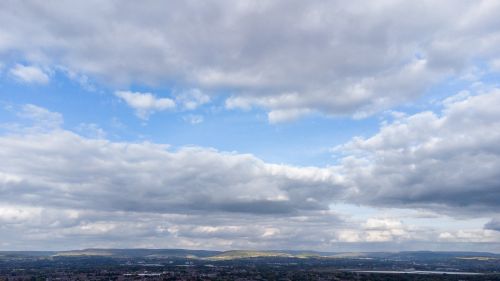 Before
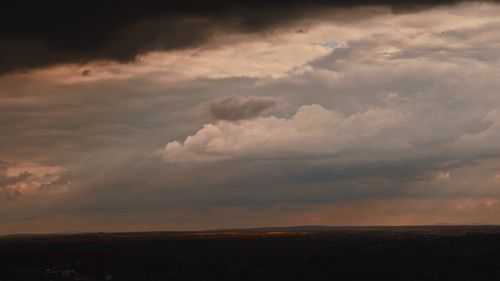 After
After
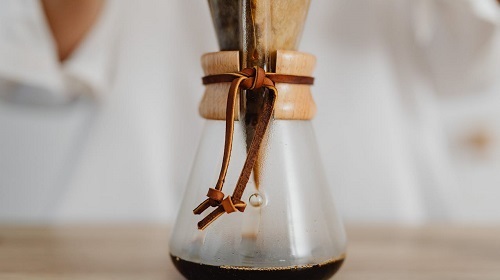 Before
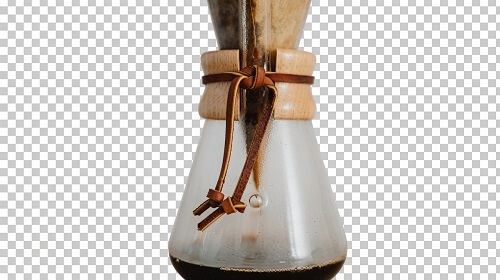 After
After
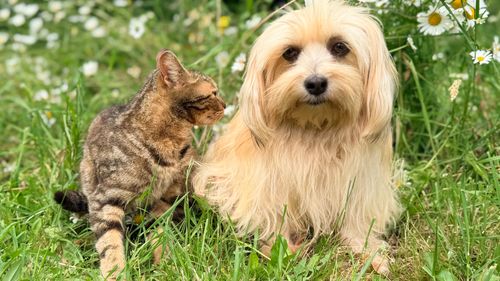 Before
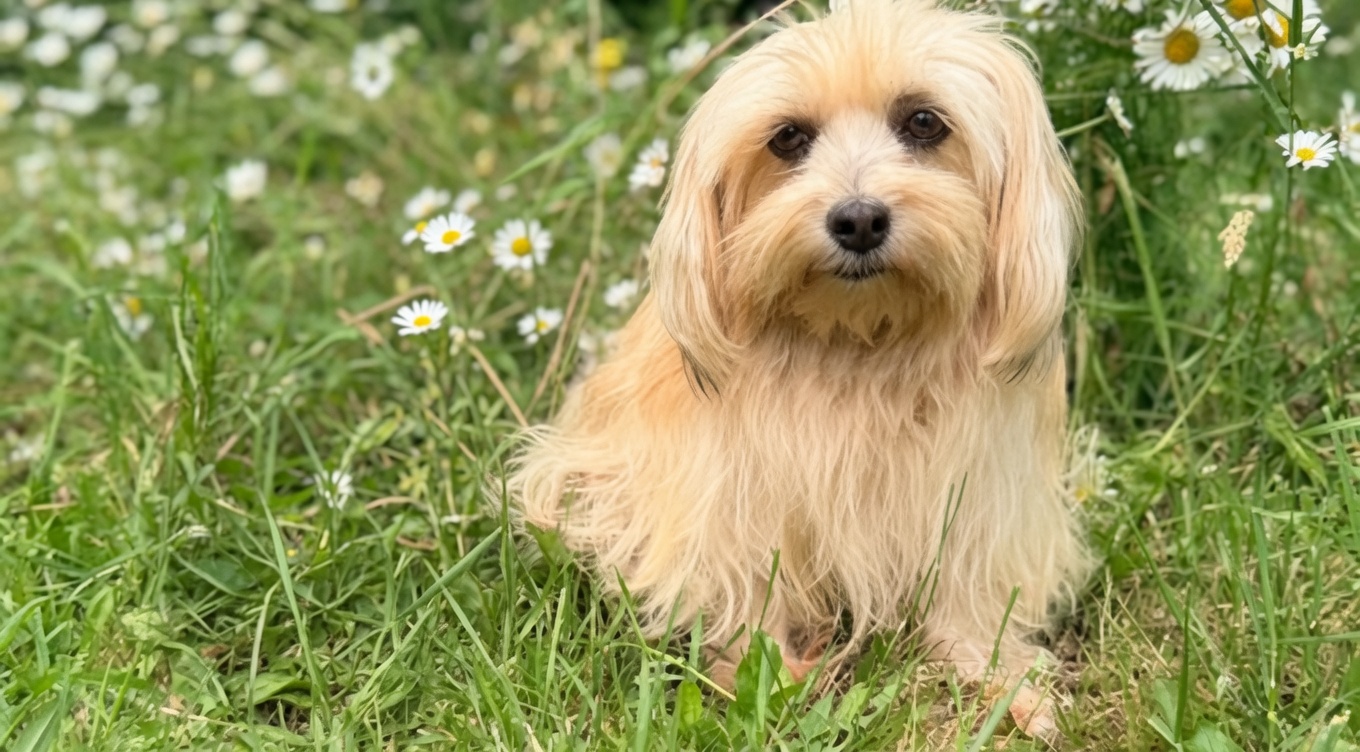 After
After
Edit Photos Like a Pro Without Touching a Single Tool Panel
Professional photo editing used to mean years of practice, expensive software, and hours hunched over sliders. The AI Photo Editor on veoaifree.com changes that entirely you describe what you want done to your photo in plain language, and the AI handles the actual editing, from background removal and object replacement to color grading, retouching, and compositional adjustments.
Want the sky swapped to a dramatic sunset? Done. Need to remove a stranger who walked into the frame? Gone. Looking to change a t-shirt color, relight the scene, or add a reflection that wasn't there? All of it is possible through a simple text instruction no layers, no masks, no selection tools required.
This is a full creative editing workspace powered by AI not an auto-correct button, not a filter pack. It understands context, respects the existing light and perspective, and makes edits that blend naturally rather than looking pasted on.
Ready to Edit Your Photo?
AI Photo Editor Free
Upload your photo, describe what to change, and watch it happen
Tell the AI what to edit "remove background," "change sky to stormy," "add bokeh blur"…Your photo stays private. No watermarks. No credits. No account needed.
Open the Photo Editor →What You Can Actually Do With This Editor
Most AI photo tools do one thing. This editor handles the full range of edits a professional retoucher would charge for all from a single text prompt:
Background Removal & Replacement
Cut subjects out cleanly hair, fur, complex edges included and drop them onto a new background, a solid color, or nothing at all for transparent exports.
Object Removal & Inpainting
Erase unwanted elements photobombers, power lines, trash cans, logos, blemishes and the AI fills the gap with realistic content that matches the surrounding scene.
Sky Replacement
Swap a flat grey sky for golden hour, dramatic storm clouds, a starry night, or a clear blue afternoon the horizon line and light direction adjust to match automatically.
Color & Style Grading
Apply cinematic color grades, shift the mood from warm to cold, desaturate specific colors while keeping others vivid, or match the look of a reference photo you describe in words.
Portrait Retouching
Smooth skin, reduce dark circles, whiten teeth, adjust facial lighting, or reshape subtle features all with natural-looking results that don't cross into uncanny territory.
Generative Object Addition
Add elements that were never in the original shot a coffee cup on a desk, flowers in a vase, a mountain range behind a building rendered with proper perspective and lighting.
How to Edit Your Photo With AI (Step by Step)
- Open the Editor Visit the AI Photo Editor page on veoaifree.com. No software download, no account creation, no payment details just open and start.
- Upload Your Photo Drag your image into the editor or select it from your device. JPG, PNG, and WebP files all load instantly at full resolution.
- Describe Your Edit Type what you want changed in plain language. Be as specific or as broad as you like "remove the person on the left," "make this look like a film shot from the 1970s," "add dramatic window light from the right side."
- Generate the Edit The AI processes your instruction and applies the change to your specific photo reading the existing light, perspective, and context before making any adjustment.
- Refine & Download Review the result, add follow-up instructions to refine it further, or download the finished edit as a full-resolution file no watermarks, no limits.
- The more specific your instruction, the more controlled the result "soften the background" works, but "add f/1.8 bokeh blur to everything behind the subject" works better.
- For object removal, mention what surrounds the area "remove the bin on the left side of the pavement next to the wall" helps the AI fill the gap correctly.
- Sky replacements look most natural when you match the time of day "replace sky with late afternoon golden hour" beats "make sky nicer."
- Portrait retouching responds well to measured language "subtle skin smoothing, keep natural texture" gives a more realistic result than asking for anything extreme.
- Chain multiple instructions in one prompt for complex edits the AI reads the full sentence before it starts, not word by word.
Real Editing Jobs This Tool Gets Done Fast
Product Photography
Remove messy backgrounds, swap to clean white or branded colors, add a soft drop shadow, and touch up surface reflections turning a phone snapshot into catalogue-quality output.
Travel & Landscape Shots
Rescue cloudy-day landscapes with sky replacements, remove tourists from busy landmarks, deepen colors, and add the atmosphere the actual weather refused to provide on the day.
Portrait & Headshot Editing
Clean up skin, fix unflattering shadows under the eyes, swap a distracting background for a neutral studio look, and adjust the color grade to match a professional photography style.
Social Media & Content Visuals
Recolor clothing to match brand colors, add graphic elements, change the mood of a scene for a seasonal campaign, or reimagine a lifestyle photo with a completely different setting.
Why This Editor Replaces a Lot of What Photoshop Was For
- No Learning Curve If you can describe an edit in a sentence, you can execute it here. No tutorials, no tool panels, no keyboard shortcuts to memorize.
- Context-Aware Results Edits respect the original photo's lighting direction, color temperature, depth, and perspective so changes blend in rather than look stuck on top.
- Completely Free, Genuinely Unlimited No credit packs, no free tier with a watermark, no monthly limit that resets and still isn't enough. Edit freely, every day.
- Iterative Workflow Add follow-up instructions after seeing the first result. The AI holds the context of what it already changed and builds on it rather than starting over.
- Full Resolution Output Download at the same resolution you uploaded nothing is downsized, compressed for web, or marked with a logo.
- Private Processing Photos are handled for your edit only and discarded immediately after. Nothing is saved, used in model training, or accessible to anyone else.
Who Uses the AI Photo Editor and What They Edit
E-commerce sellers clean up product photos, replace cluttered home backgrounds with studio-style settings, and batch-process listings to a consistent look that builds brand credibility.
Wedding and event photographers remove distractions from ceremony shots, fix mixed lighting across reception photos, and handle background removal for formal portraits in a fraction of the manual editing time.
Social media managers adapt a single photo for multiple campaign moods changing colors, adding seasonal elements, or regrading the whole image to fit a different content series without reshooting.
Architecture and interior designers stage empty rooms digitally, swap flooring and wall colors to show clients different options, and clean up construction clutter from finished-space photography.
Students and hobbyist photographers experiment with edits that would take months of Photoshop practice to pull off manually sky swaps, color grades, generative additions and actually learn what's possible in the process.
Marketing and creative teams adapt existing image assets for new campaigns without going back to the photographer changing backgrounds, adding props, or aligning a library of photos to a new visual direction.
The Edit You've Been Putting Off Takes 30 Seconds Here
Stop leaving good photos sitting on your drive because they need work you don't know how to do. The AI Photo Editor handles it describe the change, watch it happen, download the result.
Edit Your First Photo Free →