

AI Avatar Generator from Photo
Turn any photo into a unique AI generated avatar in dozens of artistic styles for social media, gaming, branding, or personal use.
See What the AI Avatar Generator Can Do
Create stunning AI avatars from any photo with customizable styles, backgrounds, and artistic effects in seconds.
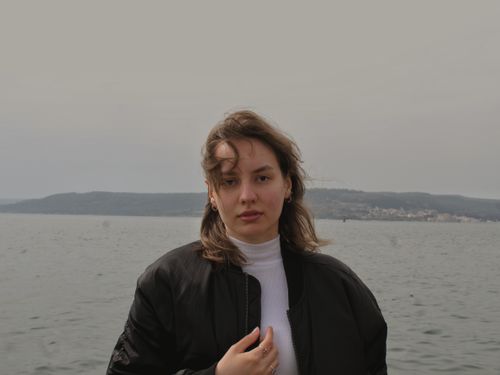 Before
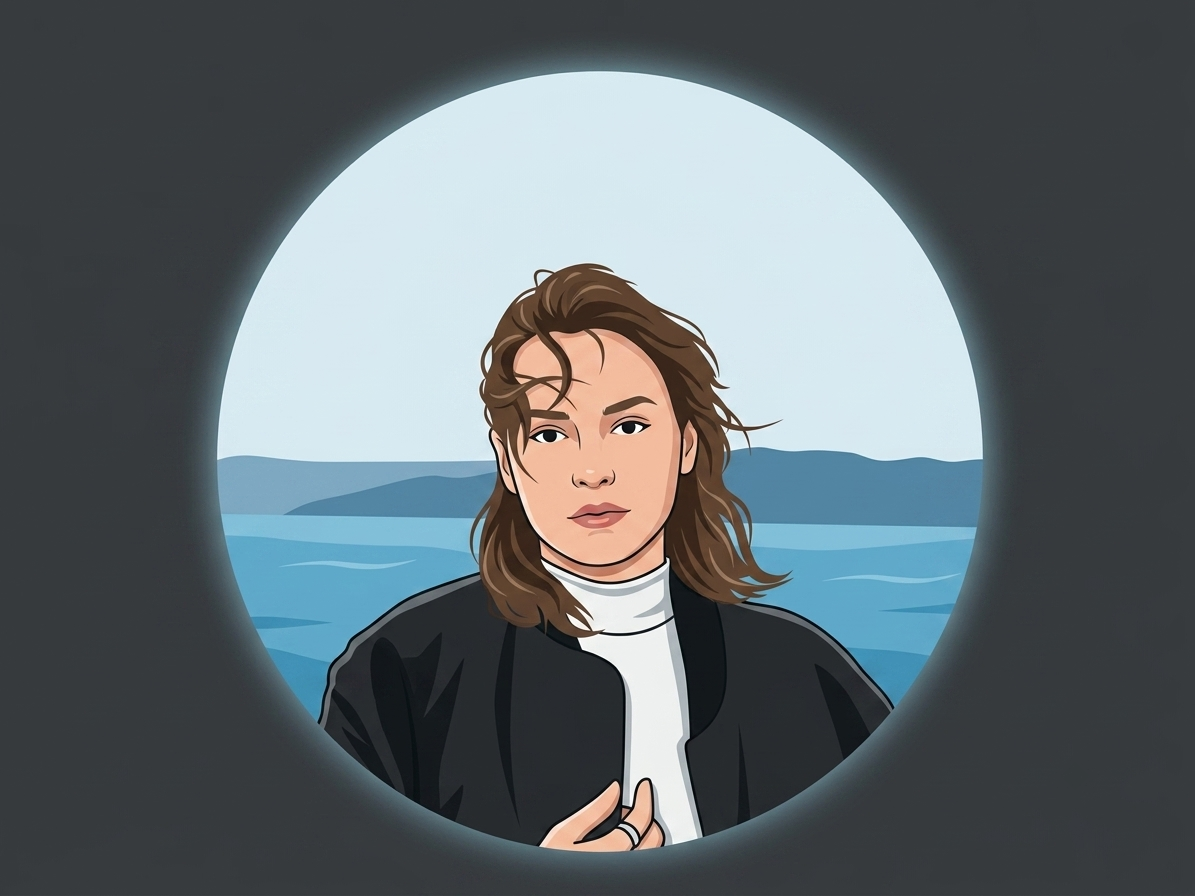 After
After
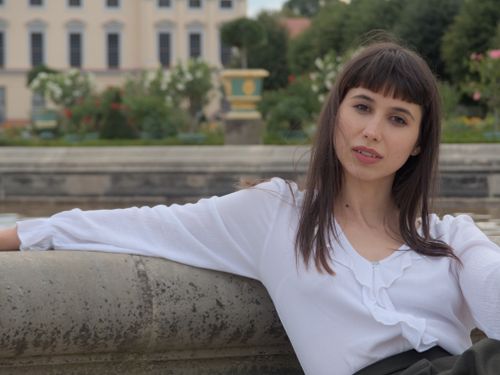 Before
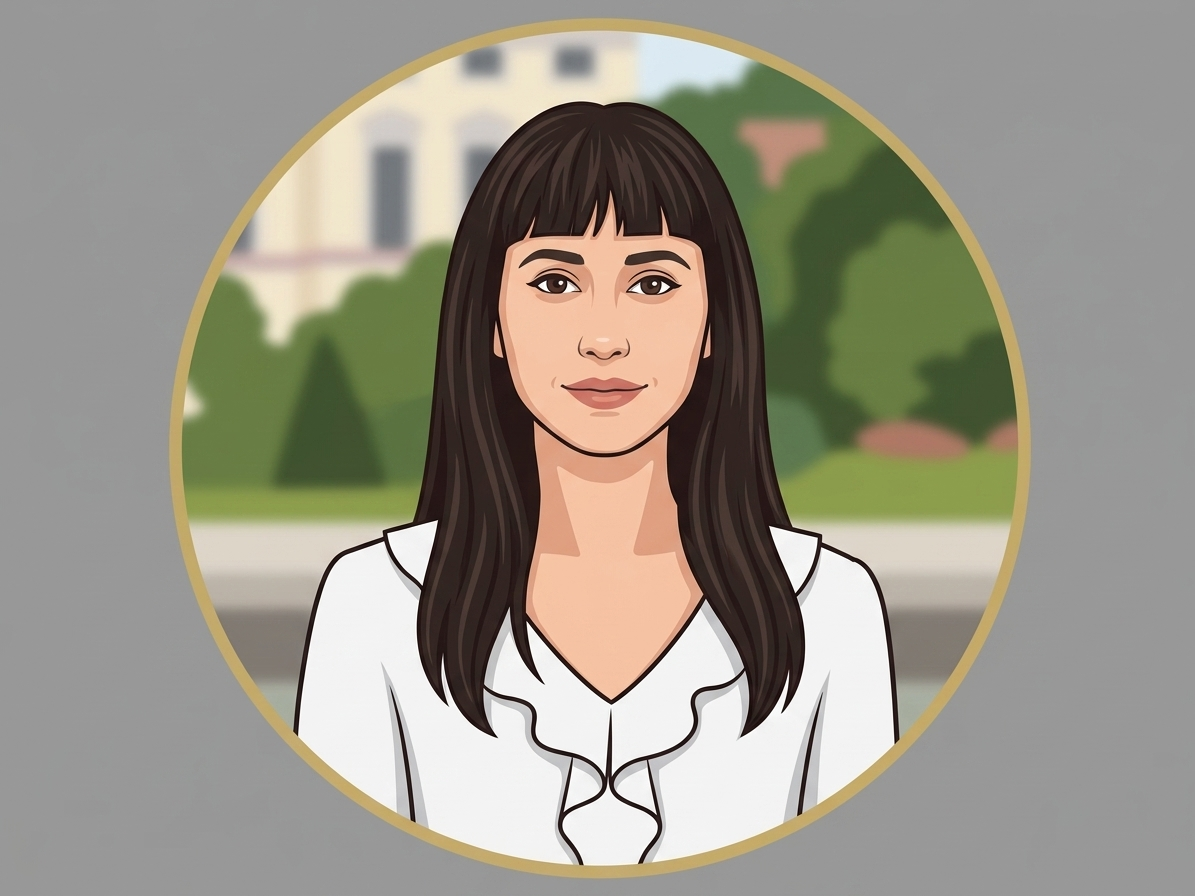 After
After
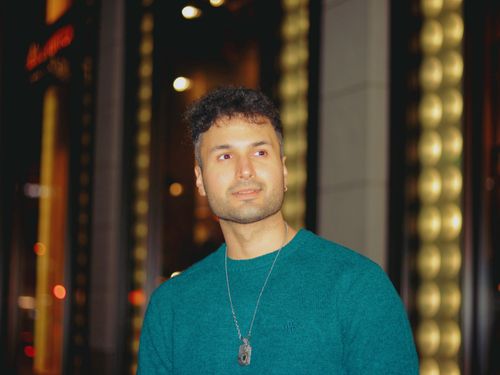 Before
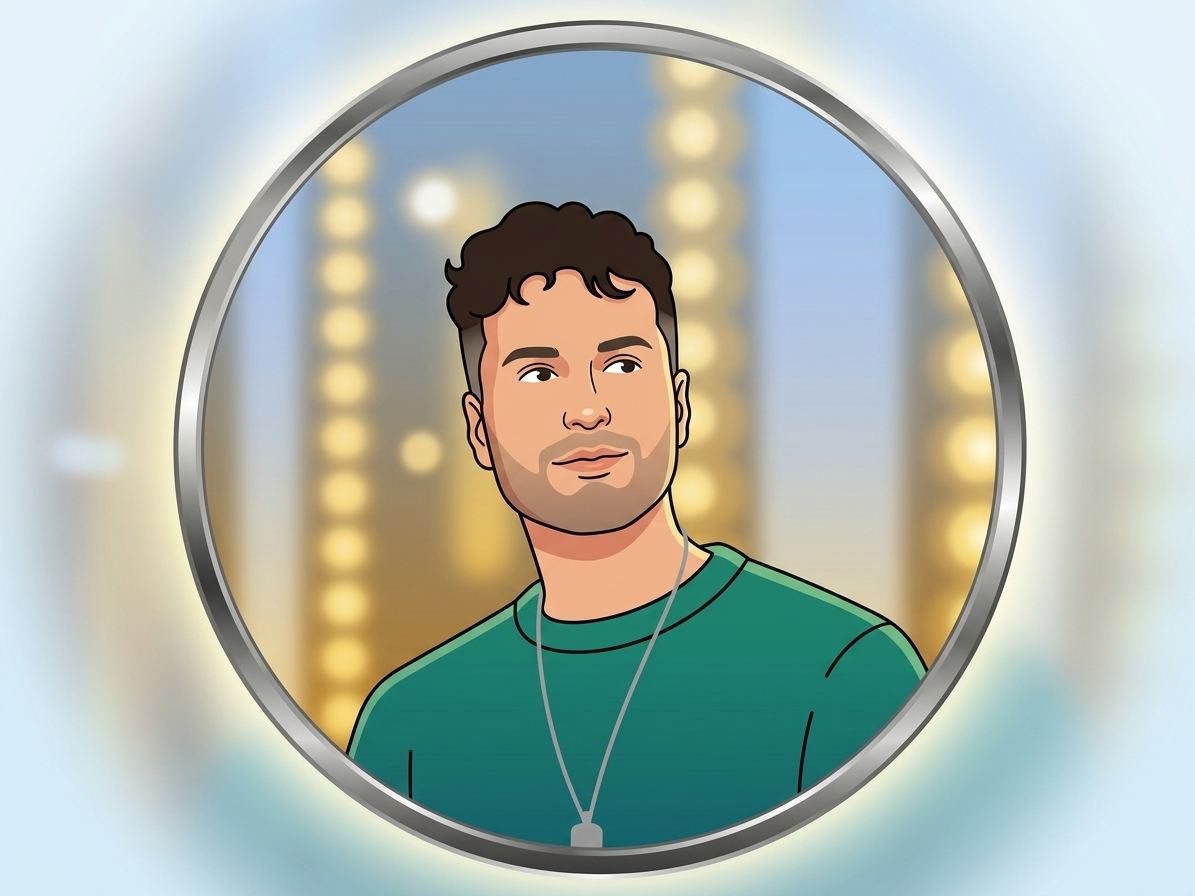 After
After
Turn Your Photo Into a Unique AI Avatar
Have you ever wanted a custom digital version of yourself that looks stylish, fun, or completely different from your everyday photos? The AI Avatar Generator from Photo on veoaifree.com makes it simple. Upload a clear picture of yourself and the tool creates personalized avatars in many different styles. You can get realistic digital portraits, cartoon versions, anime looks, professional profile pictures, or artistic interpretations that still feel like you.
Creating avatars used to mean hiring an illustrator or spending hours in complicated design software. Now you can generate multiple high quality options in just a few seconds. The AI studies your facial features, expression, lighting, and overall look, then builds avatars that keep your unique identity while applying the style you choose.
People use these avatars for social media profiles, gaming, virtual meetings, personal branding, websites, and just for fun. The results look polished and intentional rather than random or generic.
Ready to Create Your Avatar?
AI Avatar Generator from Photo Free
Upload a clear photo and choose the style you want
Upload your photo • Select style (realistic, cartoon, anime, professional, artistic)Your photos are processed privately. No watermarks. No sign up required.
Open the Avatar Generator →What Makes This AI Avatar Generator Special
Not every avatar tool keeps the real person recognizable. This one focuses on balancing style with identity so the final result still feels like you. Here is what stands out:
Accurate Feature Mapping
The AI carefully studies your face shape, eyes, nose, mouth, and expression so the avatar stays true to your actual appearance even when stylized.
Wide Style Range
Choose from realistic digital portraits, soft cartoon looks, anime styles, professional headshots, watercolor art, 3D rendered looks, and more.
Natural Lighting and Color
The tool matches lighting and skin tones from your original photo so the avatar does not look flat or artificial.
Multiple Variations
Generate several different versions at once so you can pick the one that feels right or use different styles for different platforms.
Easy Adjustments
Use simple instructions like “make the expression warmer” or “add glasses” or “change the background to soft blue” to refine the result.
High Quality Output
Download sharp, detailed images ready for profile pictures, websites, social media, presentations, or printing.
How to Create an Avatar from Your Photo (Step by Step)
- Open the Tool Go to the AI Avatar Generator from Photo on veoaifree.com. No account or software is needed.
- Upload Your Photo Choose a clear, well lit photo where your face is easy to see. Front facing or slightly angled shots usually work best.
- Choose a Style Select the look you want such as realistic, cartoon, anime, professional, artistic, or describe your own preference.
- Generate Avatars The AI creates several versions in seconds based on your photo and chosen style.
- Refine and Download Preview the options, make small changes with text instructions if needed, and download the final high quality avatar.
- Use a high resolution photo with good lighting and a clear view of your face.
- Avoid heavy shadows, sunglasses, or extreme side profiles for the first try.
- Try different styles even if you already have a favorite. Sometimes a style you did not expect looks surprisingly good.
- If you want a more professional look, ask for neutral backgrounds and soft lighting.
- Generate a few variations and keep the ones that feel most like you.
Popular Ways People Use AI Avatars
Social Media Profiles
Create a polished and consistent profile picture for Instagram, Twitter, LinkedIn, Discord, or any platform where you want a unique digital presence.
Professional Branding
Generate clean headshot style avatars for websites, email signatures, business cards, and online portfolios without booking a photoshoot.
Gaming and Virtual Worlds
Design personal avatars for games, virtual meetings, metaverse platforms, or role playing communities that still look like you.
Creative Projects
Turn yourself into different artistic versions for illustrations, stories, presentations, or just for personal fun.
Why People Choose This AI Avatar Generator
- Keeps You Recognizable The avatars still look like you even when they are stylized or artistic.
- Fast Results Go from photo to finished avatar in seconds instead of hours of design work.
- Many Style Choices One tool covers realistic, cartoon, anime, professional, and artistic looks.
- Completely Free Create as many avatars as you want with no limits or hidden fees.
- Private and Secure Your photos are processed privately and not stored after use.
- High Quality Downloads Get sharp images suitable for both digital use and printing.
Who Uses the AI Avatar Generator from Photo
Content creators and influencers update their profile pictures and brand visuals with fresh, professional looking avatars that match their online personality.
Professionals and freelancers create consistent headshot style images for LinkedIn, websites, and client proposals without needing a photographer.
Gamers and community members design personal avatars that feel unique while still representing who they are.
Students and job seekers generate clean profile pictures for applications, online portfolios, and academic profiles.
Everyday users simply enjoy turning their photos into fun, stylish, or artistic versions of themselves for personal use.
Create Your Personal AI Avatar Today
Stop using the same old photos for every profile. Generate a unique, high quality avatar that still looks like you and works across all your digital spaces. The AI Avatar Generator from Photo makes the process simple, fast, and free. Upload your photo and start exploring new looks in seconds.
Generate Your Avatar Free Now →