

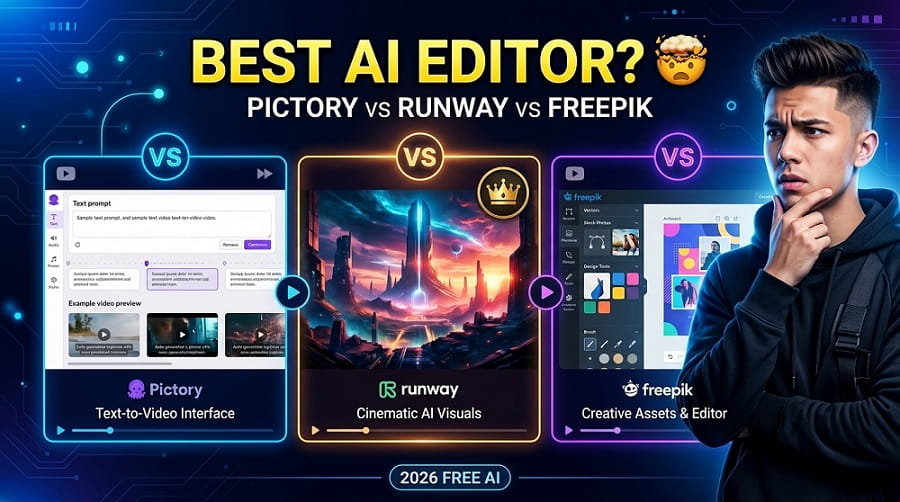
If you are a content creator in 2025, you already know how FAST the AI video editing space is moving. New tools are launching every month, and three names keep coming up in almost every comparison: Pictory, Runway, and Freepik. But which one is actually worth your time and money?
This post breaks it all down in a clear, honest way. We will look at features, pricing, ease of use, and the real-world results each tool delivers. By the end, you should have a good idea of which platform fits your specific workflow.
And if you want to explore even more options before deciding, you can check out this full list of AI video generators we have compiled on the site.
A Quick Overview of Each Tool
Before we dive deep, here is a short intro to each platform.
Pictory is a TEXT-TO-VIDEO tool that is mostly aimed at marketers and bloggers who want to repurpose written content into short videos. You paste in a script or article, and Pictory turns it into a video with stock footage, captions, and voiceover.
Runway is more of a professional-grade AI video editor. It started as a creative tool for filmmakers and designers. Today it supports text-to-video, image-to-video, video editing with AI tools, background removal, and much more. Runway is the tool most people think of when they hear “AI video generation.”
Freepik is originally known as a stock assets platform, but it has added AI tools including an AI image generator and more recently some video-related capabilities. It is more image-focused, but its AI tools are genuinely useful for visual content creators who need quick assets.
Feature Comparison at a Glance
| Feature | Pictory | Runway | Freepik |
|---|---|---|---|
| Text to Video | Yes | Yes | Limited |
| Image to Video | No | Yes | Yes (basic) |
| AI Video Editing | Basic | Advanced | No |
| AI Image Generation | No | Yes | Yes (strong) |
| Stock Asset Library | Yes | No | Yes (huge) |
| Auto Captions | Yes | Yes | No |
| Free Plan Available | Yes (limited) | Yes (limited) | Yes |
| Best For | Marketers, bloggers | Filmmakers, creators | Designers, social media |
Pictory: Best for Repurposing Written Content
Is Pictory a good tool? Yes, for a very specific use case. If you write blog posts, newsletters, or scripts regularly and want to turn that text into engaging video content, Pictory is EXTREMELY useful.
Here is what makes Pictory stand out:
- You can paste any article or script and it will automatically match scenes with relevant stock footage
- The auto-caption feature is accurate and saves a lot of editing time
- AI voiceover is available in multiple languages and accents
- The interface is clean and requires no video editing experience
The downside? Pictory relies heavily on stock footage. So if you want ORIGINAL visuals or cinematic AI-generated scenes, Pictory is not the right tool. It also does not give you much creative control over motion, pacing, or visual style.
Pricing starts around $19/month on the Starter plan, which includes limited video minutes. It is reasonable for content marketers but can feel restricting if you are producing videos daily.
Runway: Best for Creative and Cinematic AI Video
Runway is the most POWERFUL of the three tools without question. It is the go-to choice for video creators, YouTubers, indie filmmakers, and social media producers who want high-quality AI-generated video content.
Key features of Runway include:
- Gen-3 Alpha model for text-to-video and image-to-video generation
- Motion Brush tool that lets you control movement in specific parts of a video
- Background removal and object replacement
- AI Green Screen and Inpainting
- Video-to-video style transfer
- Scene detection and timeline editing
Runway is the kind of tool where you can spend hours just experimenting. The results are cinematic and far more realistic than what most other AI video tools produce right now.
The main issue for many users is the CREDIT system. Runway runs on credits, and generating longer or higher-quality videos burns through them fast. The free plan gives you 125 credits which can disappear quickly. Paid plans start at $12/month but serious creators will likely need the $28/month Standard plan or higher.
Freepik: Best for Static Assets and Quick AI Images
Here is the honest truth about Freepik: it is NOT primarily a video editor. It is a design and stock asset platform that has added AI generation tools. So comparing it directly with Pictory and Runway in video editing is a little unfair.
That said, Freepik does offer:
- A strong AI image generator that is great for thumbnails, social posts, and blog visuals
- Basic image-to-video animations (short, looping clips)
- An enormous library of vectors, photos, templates, and mockups
- A relatively generous free tier compared to the competition
If your content workflow is more DESIGN-heavy than video-heavy, Freepik can genuinely save you a lot of time. You can check out similar tools in our AI image generators directory for more alternatives.
For video specifically, Freepik is a supplementary tool, not a primary one. Use it for assets, not full productions.
Ease of Use: Which Tool is Friendliest?
This matters a lot for creators who are not technically inclined. Here is a quick ranking:
- Pictory – Easiest. The workflow is almost fully automated. Paste text, review, export.
- Freepik – Easy for image generation. Video tools are simple but limited.
- Runway – More complex. Has a learning curve, especially for advanced features like Motion Brush and Inpainting. But the UI is well-designed once you get used to it.
Output Quality: Honest Assessment
What do the actual results look like? This is where things get interesting.
Pictory output looks professional but generic. The stock footage is fine, captions are clean, but the videos look like standard marketing content. Nothing that will stop someone mid-scroll.
Runway output is genuinely impressive. The Gen-3 model can produce short cinematic clips that look like they were shot with a real camera. If you put in a good prompt, the result can be STUNNING.
Freepik image output is high quality and very versatile for design work. The video animations are basic but useful for social media content.
Which Tool Should You Actually Use?
Final Thoughts
There is no single “best” tool here because each platform serves a different type of creator. The real answer depends on what you are trying to make and how much time you want to invest in the process.
That said, if we had to pick ONE for the average content creator who wants to grow on YouTube, Instagram, or TikTok, Runway is the strongest option right now. The quality of output is in a different league compared to most competitors, and the feature set keeps expanding.
Pictory wins for simplicity and content marketing use cases. Freepik wins for design-first workflows where you need flexible assets alongside basic AI video features.
Want to compare even more tools before making your decision? Browse our full directory of AI video generators to see what else is out there in 2025.
