

AI Photo Colorizer
AI Photo Colorizer instantly transforms black and white or faded photos into vibrant, realistic full-color images using advanced AI.
See What the AI Photo Colorizer Can Do
Instantly transform black & white photos into vibrant, realistic full-color images with advanced AI.
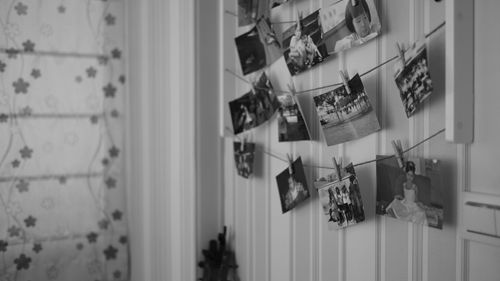 Before
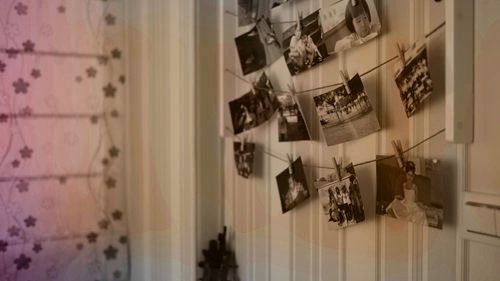 After
After
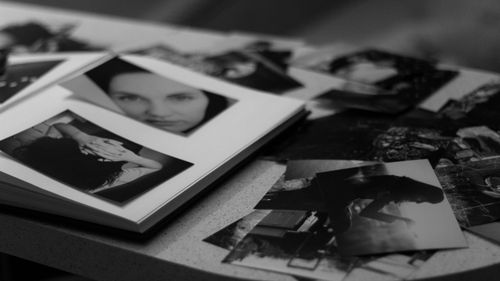 Before
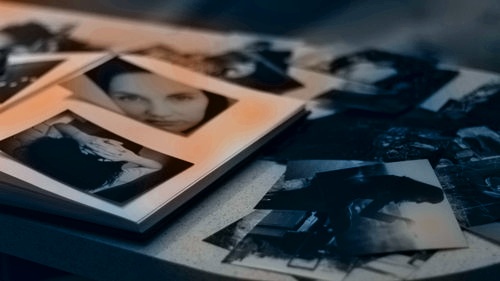 After
After
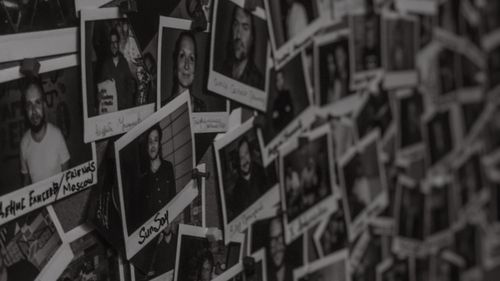 Before
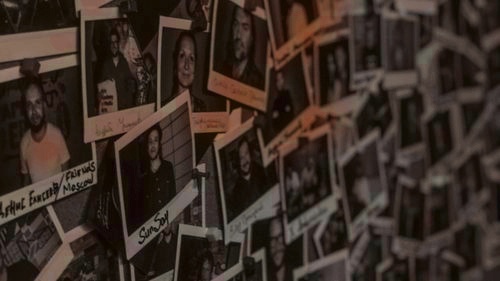 After
After
Bring Old Photos Back to Life with Natural Color
Have a drawer full of black-and-white family photos, faded vintage pictures, or old historical images? The AI Photo Colorizer on veoaifree.com turns them into vibrant, realistic full-color photos in seconds. Simply upload your black-and-white or faded image and let the AI do the rest.
It doesn't just slap on random colors — it thoughtfully recreates natural skin tones, clothing hues, sky tones, and background details while respecting the original lighting and mood of the photo.
The result feels like the picture was taken in color yesterday — warm, authentic, and full of life.
Ready to Colorize Your Photos?
AI Photo Colorizer - Free
Upload any old or black & white photo
Upload photo to colorizeYour photos are processed privately. No watermarks. No sign-up required.
Open the Photo Colorizer →What Makes This AI Photo Colorizer Different
Many colorizers produce unnatural or washed-out results. This tool stands out by focusing on realistic, emotionally accurate colors:
Smart Color Understanding
The AI recognizes objects, clothing styles, and eras to apply historically and naturally accurate colors.
Realistic Skin & Lighting
Delivers lifelike skin tones and perfectly matches lighting, shadows, and highlights in the original photo.
Detail Preservation
Keeps every wrinkle, texture, hair strand, and background element sharp while adding beautiful color.
High Resolution Output
Works beautifully with both low and high-resolution images and delivers crisp, print-ready results.
Easy Adjustments
Not quite right? Use simple instructions like "make colors warmer" or "enhance the sky" to refine the output.
Batch Colorizing
Upload multiple old photos at once and colorize them all in one go — perfect for family albums.
How to Use the AI Photo Colorizer (Step by Step)
- Open the Tool Go to the AI Photo Colorizer on veoaifree.com. No account needed.
- Upload Your Photo Select any black-and-white, faded, or old color photo you want to restore.
- Choose Preferences Pick a style (natural, vibrant, vintage) or let the AI decide the best approach.
- Generate Colors The AI analyzes and colorizes the image in seconds.
- Download or Refine Preview the result, make small adjustments if needed, and download your restored photo.
- Clearer, higher-resolution scans usually give the most impressive results.
- Photos with good contrast and visible details colorize better than very damaged ones.
- Try both "natural" and "vibrant" modes to see which fits the photo best.
- For portraits, focus on getting the face well-lit in the original.
- Use follow-up prompts to tweak specific areas like "make the dress redder" or "soften the background."
Fun & Meaningful Ways to Use AI Photo Colorizer
Family History
Bring grandparents' wedding photos, childhood pictures, and old family albums back to life.
Historical Restoration
Colorize old town photos, war images, or archive pictures for personal or educational projects.
Creative Art
Transform vintage portraits into striking modern-looking artwork or social media content.
Personal Gifts
Create beautiful restored color versions of old photos as heartfelt birthday or anniversary gifts.
Why People Love This AI Photo Colorizer
- Natural Looking Colors Results feel authentic rather than artificial or overly saturated.
- Fast Processing Colorize photos in seconds with no waiting or limits.
- Completely Free No payment or subscription required for great results.
- Private & Secure Your photos are never saved or shared after processing.
- Simple to Use No editing skills needed — just upload and colorize.
- High Quality Sharp, detailed outputs perfect for printing or sharing online.
Who Uses the AI Photo Colorizer
Families & genealogists restore precious memories and bring family trees to life with color.
Historians & archivists revive old photographs for exhibits, books, and research.
Content creators turn vintage images into engaging visuals for social media and YouTube.
Artists & designers experiment with color on old photos for creative projects and prints.
Everyday photo lovers rediscover the beauty hidden in their old family albums.
Ready to Bring Your Old Photos Back to Life?
Transform faded memories into vibrant, colorful moments with just a few clicks. Whether you're restoring family history or creating something beautiful, the AI Photo Colorizer makes it simple, fast, and remarkably realistic.
Try Photo Colorizer Free Now →