

AI Realistic Image Generator
Create hyper realistic images from text descriptions with stunning detail, natural lighting, and lifelike textures.
See What AI Realistic Image Generator Can Do
This powerful tool excels at producing images so convincing they’re hard to distinguish from actual photos.
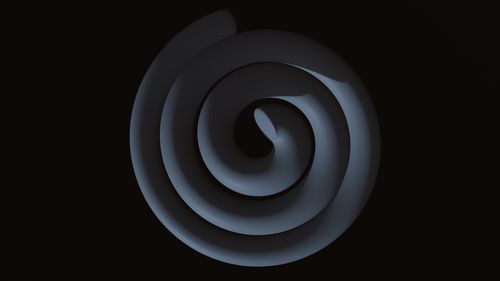 Before
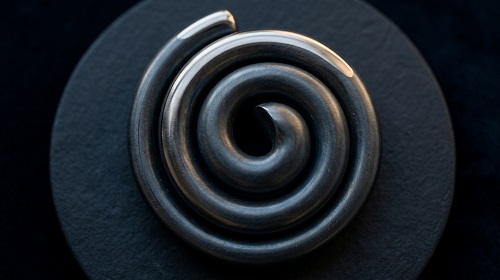 After
After
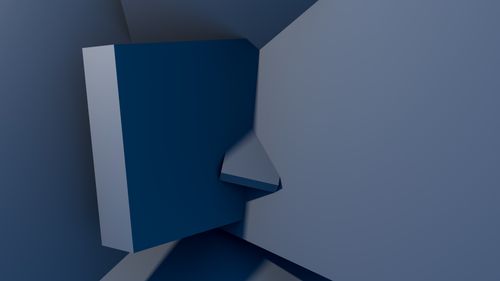 Before
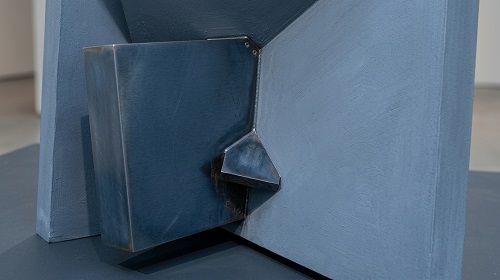 After
After
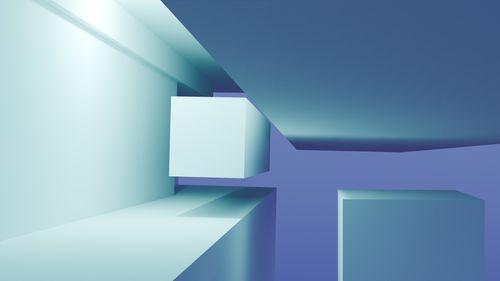 Before
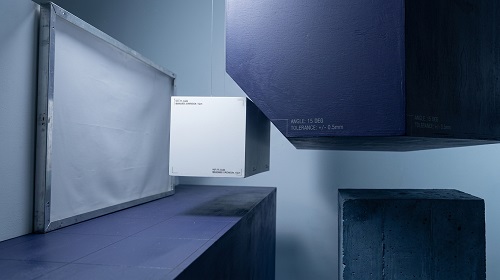 After
After
Create Hyper-Realistic Images From Simple Text
You can picture it clearly in your mind — a realistic scene, a lifelike portrait, or a detailed product shot — but turning that vision into an actual image usually requires a camera, models, location, and hours of work. Stock photos rarely match exactly what you need. The AI Realistic Image Generator changes that completely.
The AI Realistic Image Generator on veoaifree.com turns your text descriptions into photorealistic images that look like real photographs. Whether you need people, places, products, or complex scenes, the AI creates stunning, detailed visuals with natural lighting, accurate textures, and lifelike quality.
No camera. No crew. Just your imagination and a few words.
Ready to Generate Realistic Images?
AI Realistic Image Generator Free
Describe the image you want and get a photorealistic result in seconds
Example: "A young woman working on a laptop in a sunny modern cafe, natural lighting, photorealistic, shot on Canon camera"Your creations stay private. No watermarks. No credits. No account needed.
Open Realistic Image Generator →What the AI Realistic Image Generator Actually Does
This tool goes beyond artistic interpretations — it focuses on creating images that look indistinguishable from real photos. Here's what makes it powerful:
Hyper-Realistic Quality
Generates images with lifelike skin textures, accurate lighting, realistic materials, and natural depth.
Precise Scene Control
Understands complex descriptions including lighting conditions, camera angles, time of day, and mood.
People & Portraits
Creates convincing human faces, expressions, and poses that maintain consistency and realism.
Product & Object Visualization
Generate studio-quality product shots in any environment or lighting setup you describe.
Multiple Aspect Ratios
Create images in square, landscape, portrait, or custom dimensions to fit your exact needs.
Fast Variations
Quickly generate multiple versions of the same idea with slight adjustments to find the perfect result.
How to Generate Realistic Images (Step by Step)
- Open the Tool Visit the AI Realistic Image Generator on veoaifree.com. No sign-up required.
- Write Your Prompt Describe the image you want in as much detail as you like — include subject, lighting, mood, and style.
- Customize Settings Choose aspect ratio, quality level, or add specific photographic terms.
- Generate The AI creates a highly realistic image based on your description.
- Refine & Download Generate variations or tweak your prompt until you get exactly what you need.
- Be specific: mention camera type, lighting (golden hour, studio), angle, and mood.
- Use terms like "photorealistic", "shot on 35mm film", or "natural lighting" for better realism.
- Generate several versions of the same prompt and pick the strongest one.
- For people, describe age, expression, clothing, and pose clearly.
- Try adding environment details like "rainy street at night" for more atmosphere.
Real Situations Where the Realistic Image Generator Helps
Marketing & Advertising
Create photorealistic product visuals and lifestyle scenes without expensive photoshoots.
Social Media Content
Generate eye-catching, original images for posts, thumbnails, and stories in any style you want.
Concept & Product Visualization
Bring product ideas and design concepts to life before manufacturing or shooting them.
Creative & Personal Projects
Create realistic book covers, story illustrations, wallpapers, or personal artwork.
Why This AI Realistic Image Generator Stands Out
- Photorealistic Quality Produces images that look like they were taken with a professional camera.
- Fast & Unlimited Generate as many high-quality realistic images as you need with no limits.
- Complete Creative Control Describe exactly what you want — the AI follows your vision closely.
- Completely Free No watermarks, no hidden fees, and full resolution downloads.
- Privacy Focused Your prompts and generated images remain private.
- Versatile Works beautifully for people, products, landscapes, interiors, and complex scenes.
Who Uses the AI Realistic Image Generator
Marketers and businesses use it to create realistic product visuals and advertising creatives without costly photoshoots.
Content creators and influencers generate unique, high-quality visuals for social media and videos.
Designers and product teams visualize concepts and mockups quickly and realistically.
Writers and storytellers bring characters, scenes, and book covers to life with photorealistic images.
E-commerce sellers create professional product photos in any setting or lighting condition.
Hobbyists and creators explore creative ideas and make custom wallpapers, art, or personal projects.
Turn Your Ideas Into Photorealistic Images
Stop searching for the right photo. Describe exactly what you want and generate a realistic image that looks like a real photograph — instantly and for free.
Generate Your First Realistic Image Now →