

AI Photo Retouch Tool
Remove blemishes, smooth skin, brighten eyes, fix lighting, adjust colors, and perfect every detail while keeping a completely natural look.
See What the AI Retouch Tool Can Do
This easy-to-use tool turns ordinary snapshots into polished, magazine-quality images in seconds.
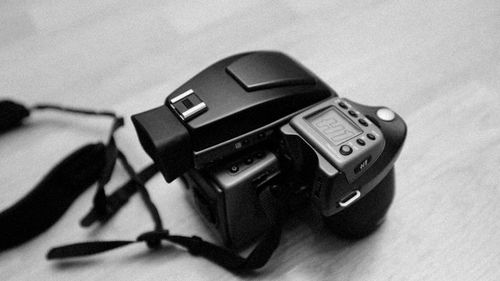 Before
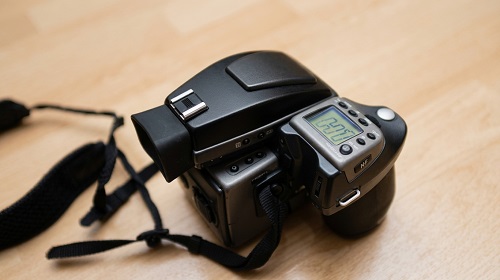 After
After
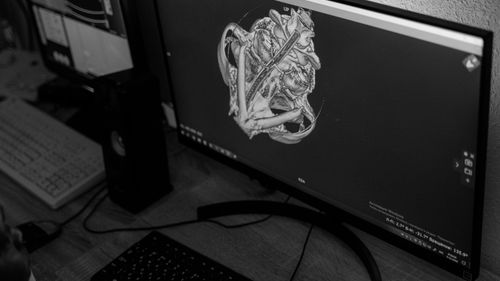 Before
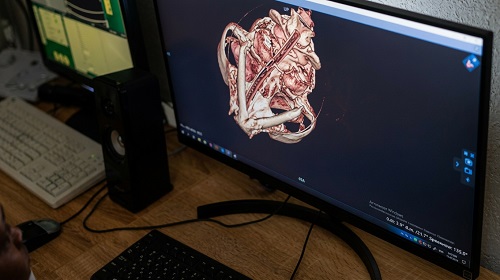 After
After
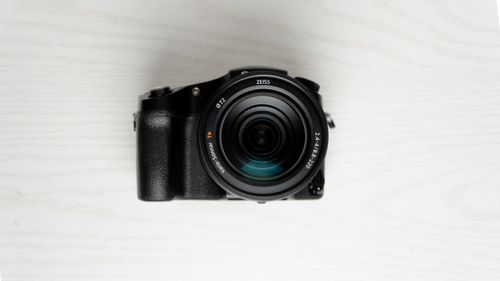 Before
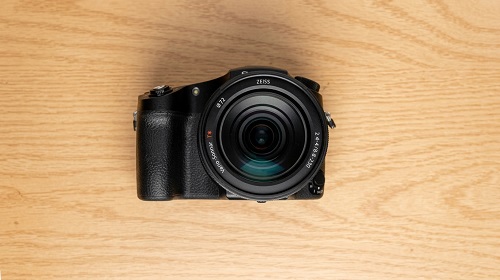 After
After
Enhance Your Photos Professionally in Seconds
That selfie with uneven lighting. The portrait where skin looks too shiny or has a few blemishes. The product photo that needs better color balance and sharper details. Manual editing in Photoshop is time-consuming and often looks overdone. Basic phone filters make everything look fake. The AI Photo Retouch Tool gives you natural, studio-quality results without the hassle.
The AI Photo Retouch Tool on veoaifree.com intelligently enhances your images — smoothing skin, removing imperfections, fixing lighting, boosting colors, and sharpening details while preserving a completely natural appearance. It understands faces, textures, and real-world lighting to deliver polished results that still look like you.
Turn good photos into great ones with just a few clicks.
Ready to Retouch Your Photo?
AI Photo Retouch Tool Free
Upload your photo and let the AI enhance it with natural, professional results
Optional: Describe specific improvements ("smooth skin naturally", "brighten eyes", "fix lighting and boost colors", "remove blemishes")Your photo stays private. No watermarks. No credits. No account needed.
Open the Photo Retouch Tool →What the AI Photo Retouch Tool Actually Does
This isn't a heavy filter that makes everyone look plastic. The AI works intelligently to enhance your photo while keeping it authentic. Here's what it excels at:
Natural Skin Enhancement
Smooths skin gently, reduces blemishes and redness while preserving natural texture and pores.
Eye & Face Enhancement
Brightens eyes, whitens teeth subtly, and refines facial features for a refreshed, awake look.
Lighting & Color Correction
Fixes exposure issues, balances colors, removes harsh shadows, and enhances overall vibrancy.
Object & Blemish Removal
Removes unwanted elements like acne, stray hairs, dust spots, or small distractions cleanly.
Sharpness & Detail Boost
Enhances clarity and fine details without creating unnatural artifacts or noise.
One-Click Professional Looks
Apply subtle beauty enhancements or full portrait retouching tailored to your style.
How to Retouch Photos With AI (Step by Step)
- Open the Tool Head to the AI Photo Retouch Tool on veoaifree.com. No sign-up or software needed.
- Upload Your Photo Drag and drop any portrait, selfie, product shot, or everyday image. JPG, PNG, and more are supported.
- Choose Enhancements Let the AI auto-enhance or describe specific improvements you want.
- Generate Retouched Version The AI processes and delivers a naturally enhanced result in seconds.
- Review and Download Make small adjustments if needed, then download your polished photo in high resolution.
- Start with well-lit, clear photos for the most natural enhancements.
- For portraits, focus on subtle retouching to keep the person looking authentic.
- Use specific prompts for targeted fixes like "brighten teeth" or "soften skin texture".
- Always zoom in to check details after retouching.
- Generate a few variations and combine the best elements manually if desired.
Real Situations Where the Photo Retouch Tool Helps
Portrait & Selfie Enhancement
Make everyday photos and selfies look polished and confident for social media or dating profiles.
Professional Headshots
Quickly improve LinkedIn photos, resume images, or corporate headshots without a studio session.
Product Photography
Clean up and enhance product shots to look more appealing for e-commerce listings and ads.
Event & Family Photos
Rescue photos from weddings, parties, or vacations by fixing lighting and small imperfections.
Why This AI Photo Retouch Tool Stands Out
- Natural Results Enhances photos beautifully while keeping them looking real — never plastic or fake.
- Lightning Fast Professional-level retouching in seconds instead of hours in editing software.
- Completely Free Unlimited use with no watermarks and full-resolution downloads.
- Easy for Everyone No editing skills required — just upload and describe what you want improved.
- Privacy Focused Your photos are processed privately and not stored.
- Smart & Intelligent Understands human faces and real lighting conditions for better outcomes.
Who Uses the AI Photo Retouch Tool
Everyday users and selfie lovers use it to quickly enhance personal photos for social media and sharing.
Professionals and job seekers improve headshots and profile pictures to make a strong first impression.
Small business owners polish product images and marketing photos without hiring a photographer.
Content creators and influencers maintain a consistent, high-quality look across all their visuals.
Photographers speed up their workflow by handling basic retouching automatically.
Students and freelancers clean up photos for portfolios, resumes, and personal branding.
Make Your Photos Look Their Best
Stop settling for photos that are almost great. Upload your image and let the AI retouch it with natural, professional enhancements in seconds.
Retouch Your Photo Free Now →