

Animate Still Photo Generator
Transform any static photo into a smooth, lifelike animation with realistic motion in just seconds.
See What Animate Still Photo Generator Can Do
Bring your still photos to life with natural motion, cinematic effects, and AI powered animation in just a few clicks.
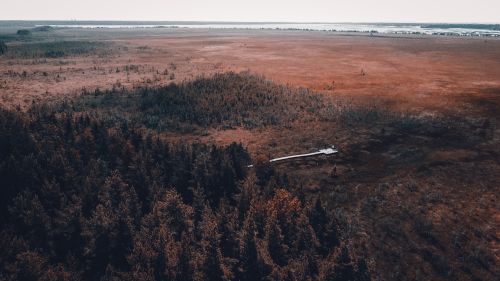 Before
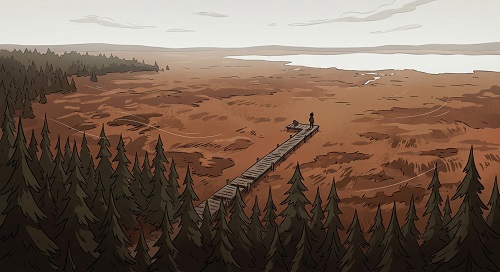 After
After
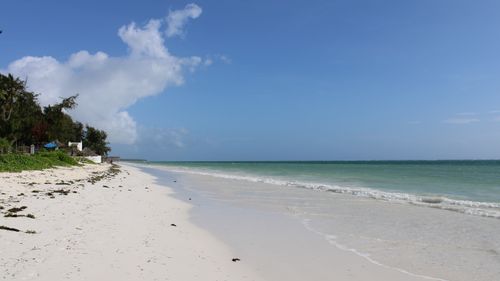 Before
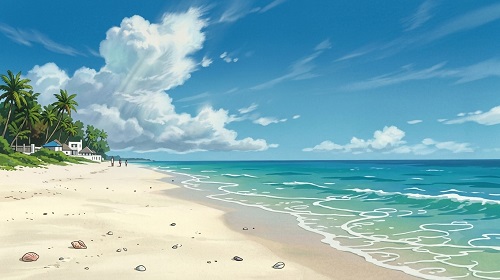 After
After
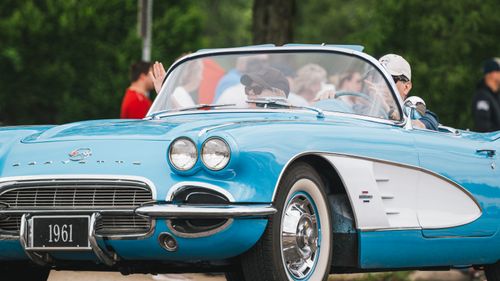 Before
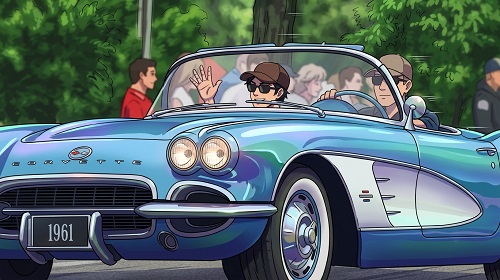 After
After
Bring Your Still Photos to Life With Natural Movement
That beautiful portrait where the person looks frozen in time. The scenic landscape photo that feels a bit static. The old family picture you wish could move again. Creating video from a single photo used to require complex editing skills, expensive software, or hours of manual keyframing. The Animate Still Photo Generator makes it simple and magical.
The Animate Still Photo Generator on veoaifree.com uses AI to add realistic motion to your still images. It can make people subtly smile, blink, or even speak, animate gentle wind in hair and leaves, add breathing movement, or create smooth cinematic effects while keeping the original photo's identity intact.
Turn any ordinary photo into a short, captivating video clip in seconds.
Ready to Animate Your Photo?
Animate Still Photo Generator Free
Upload a photo and describe the movement you want to see
Example: "Make her smile gently and blink naturally", "Add soft wind blowing through the hair and leaves", "Create subtle talking animation with calm expression"Your photo stays private. No watermarks. No credits. No account needed.
Open Animate Still Photo →What the Animate Still Photo Generator Actually Does
This goes far beyond simple looping effects or basic filters. The AI understands facial features, scene elements, and natural motion to create believable movement. Here's what sets it apart:
Realistic Facial Animation
Make people in photos smile, blink, turn their head slightly, or speak with natural lip movements.
Environmental Motion
Add life to scenes with gentle wind, flowing water, moving clouds, or swaying trees.
Multiple Animation Styles
Choose from subtle breathing effects, cinematic parallax, talking head videos, or creative artistic motion.
Short Video Clips
Generate smooth 5–15 second video clips perfect for social media, messages, or presentations.
Preserves Original Quality
Keeps the person's identity, lighting, and photo details intact while adding movement.
Easy Prompt Control
Simply describe the motion you want in plain English for customized results.
How to Animate a Still Photo (Step by Step)
- Open the Tool Go to the Animate Still Photo Generator on veoaifree.com. No sign-up needed.
- Upload Your Photo Choose a clear portrait, landscape, or any still image you want to bring to life.
- Describe the Motion Tell the AI what kind of movement you want — subtle or more dynamic.
- Generate Animation The AI processes your photo and creates a natural-looking video clip.
- Download or Refine Save the video or try different motion prompts until you get the perfect result.
- High-resolution, well-lit photos with clear subjects work best.
- Front-facing portraits produce the most realistic facial animations.
- Start with subtle movements before trying more complex actions.
- Use specific descriptions like "gentle smile and slight head nod" for better control.
- Try animating different elements in the same photo for creative effects.
Real Situations Where Animate Still Photo Shines
Personal Messages & Social Media
Turn favorite photos into talking greetings, animated memories, or engaging Reels and Stories.
Professional Headshots & Profiles
Make LinkedIn photos or profile pictures more dynamic and personable with subtle movements.
Marketing & Product Visuals
Bring product photos to life with gentle motion to make them more eye-catching in ads.
Memories & Family Photos
Revive old photos by adding natural movement for heartfelt videos and digital keepsakes.
Why This Animate Still Photo Tool Stands Out
- Natural Looking Motion Creates believable movement instead of robotic or unnatural effects.
- Lightning Fast Turn a still photo into video in seconds, not hours.
- Completely Free Unlimited animations with no watermarks on downloads.
- Easy to Use No technical skills or video editing experience required.
- Privacy Focused Your photos and generated videos are processed privately.
- Creative Control Guide the animation with simple text descriptions.
Who Uses the Animate Still Photo Generator
Social media creators and influencers use it to make static photos more engaging for Reels, TikToks, and Stories.
Marketers and businesses create dynamic product visuals and personalized customer messages.
Photographers and content creators add motion to their still work for more compelling portfolios and campaigns.
Families and individuals bring cherished memories to life in short, shareable video clips.
Online educators and coaches animate profile images or illustrative photos for better audience connection.
Designers and storytellers experiment with motion in visuals for presentations and creative projects.
Give Life to Your Still Photos Today
Stop leaving your photos frozen in time. Upload any image and turn it into a living, breathing video clip with natural motion. It's fun, fast, and incredibly effective.
Animate Your First Photo Free Now →